


Secure Solutions for Forgotten Cashier Withdrawal PINs
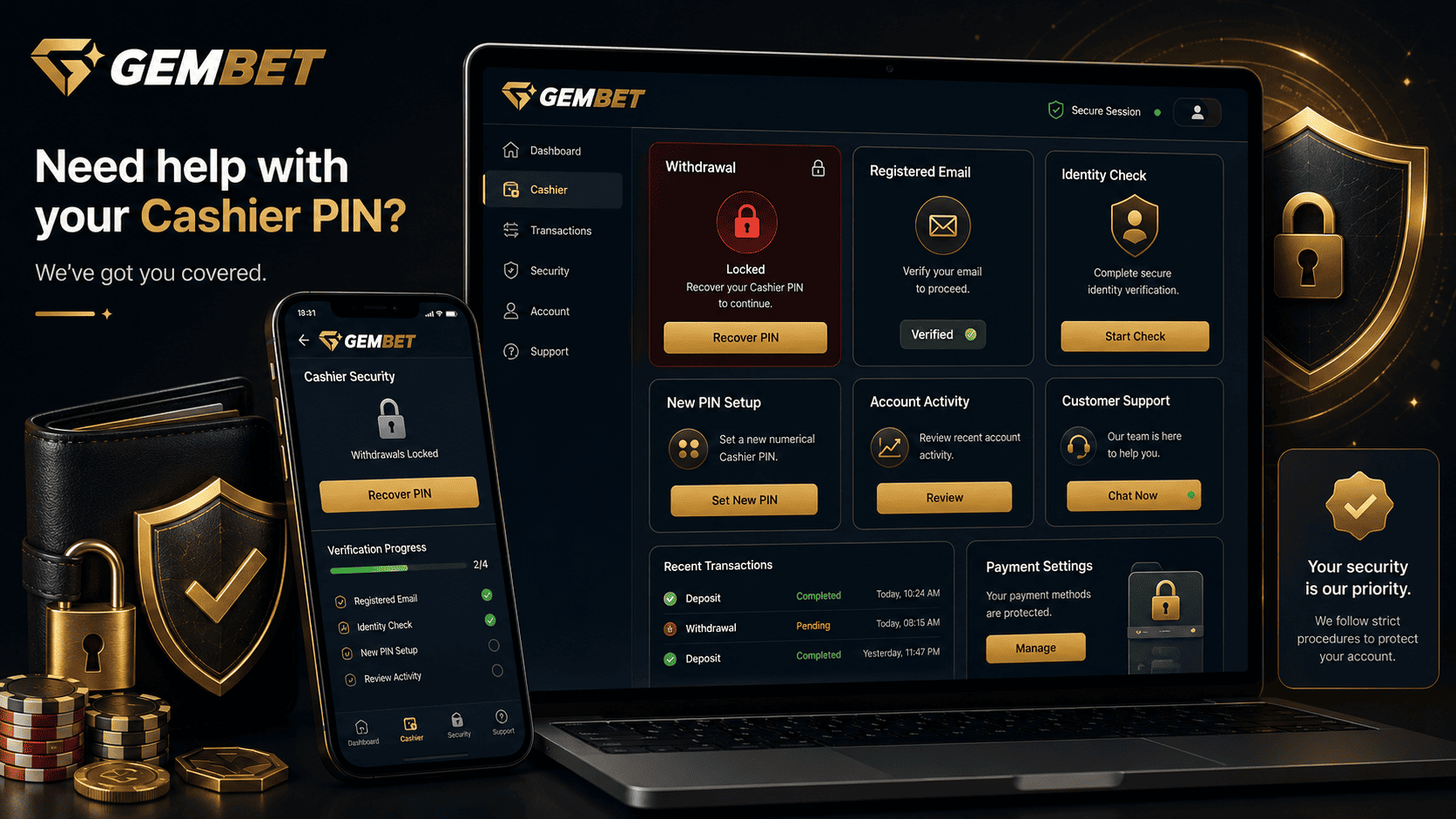
Forgetting a cashier code can stop a withdrawal when you expect to move funds. Do not keep guessing, open another account, or send documents to an unofficial contact. This Gembet help guide explains how to find the real recovery route, prove ownership, and restore access safely.
A separate cashier PIN can add security between a normal login and a sensitive financial action. However, GemBet’s public pages do not clearly confirm one universal four-digit reset, a ten-minute token, or an automatic selfie requirement for every user. Follow the controls inside your account and the official Gembet help channels. The public site provides a Contact Us page and an on-site chat entry point.
Gembet Help Recovery Overview
| Situation | Safest Action | What to Avoid |
| You cannot remember the cashier code | Stop entering guesses and look for the official recovery option | Trying birthdays, repeated numbers, or several random combinations |
| The cashier is temporarily locked | Save the warning and contact official support | Opening another account or changing payment details elsewhere |
| A reset message arrives | Verify that you initiated it and inspect the destination carefully | Using an unexpected email, text link, or QR code |
| Identity proof is requested | Upload only through the verified portal and provide only required fields | Sending documents through social media or unofficial messaging accounts |
| Access is restored | Review payment details, login history, and pending transactions | Submitting an immediate cash-out before checking the account |
Why a Cashier Lockout Can Be Strict
A lockout after repeated failed entries is a normal defense against online guessing. NIST digital identity guidance recommends rate limiting when short authentication secrets are used because a short numerical code has fewer possible combinations than a long password.
That extra security matters when the cashier controls a payment destination. Even if someone obtains the main login, another code can slow or block an unauthorized request.
The lockout does not mean the balance is missing or the account is permanently closed. It means the control may need to be recovered or unlocked through Gembet help.
1. Stop Entering Guesses Immediately
After one or two failed attempts, stop. Repeated guessing can extend a block or make genuine activity resemble an account-takeover attempt.
Record the exact message shown on the screen:
- Whether it says incorrect PIN, locked cashier, suspended action, or verification required.
- The date and time.
- Whether a pending withdrawal already exists.
- Whether payment information was recently changed.
- Whether an unfamiliar login or reset message appeared.
Take a screenshot without exposing a full bank number, card number, password, or unnecessary balance details.
2. Open the Recovery Route From the Verified Account
Sign in through the address you normally use. Open the cashier or profile settings and look for Forgot PIN, Reset Cashier Code, Account Recovery, or Get Help.
Do not assume that every Casino Gembet interface uses the same button name or reset sequence. Platform versions, verification status, and account risk checks can affect what appears.
If no self-service option appears, use the official Gembet help control. Do not trust a social-media agent claiming to unlock the account faster.
3. Prepare the Right Ownership Evidence
A recovery request may require proof that you control the registered account. The exact evidence should come from Gembet help, not a third-party article.
Security Recovery Requirements Checklist
| Verification Item | Possible Accepted Evidence | Purpose |
| Registered contact access | Access to the registered email or verified phone | Receive a recovery notice or confirmation challenge |
| Account identity | Username, registered name, birth date, or case reference | Locate the correct profile |
| Government identity record | A currently valid accepted document when specifically requested | Reverify the account owner |
| Payment ownership | Masked bank or wallet evidence when relevant | Confirm the legitimate payment destination |
| Recent account activity | Deposit reference or previous transaction details | Support additional ownership checks |
Do not automatically send a selfie holding an identity document. Submit one only when the official portal specifically requests it, and ask what must remain visible.
4. Follow the Official Reset Workflow
A safe Gembet help reset normally follows this structure, although the screens may differ:
- Start the request. Use the recovery control inside the verified account or open an official support case.
- Confirm account ownership. Complete the approved email, authenticator, device, or identity step.
- Review the request details. Make sure the username, action, and device are yours.
- Create a replacement code. Choose a new value that is not easy to connect to you.
- Wait for confirmation. Do not submit a financial request until the reset is shown as complete.
- Check the cashier. Confirm that the registered payment destination and pending activity are correct.
NIST explains that recovery should authenticate the account owner. If suitable alternative authenticators are unavailable, identity proofing may be required instead of personal knowledge questions.
5. Protect Email Tokens and Verification Codes
A recovery link or one-time code can grant access to the reset process. Never forward it or paste it into chat.
The FTC warns that anyone asking for an account verification code may be trying to enter the account. Contact the company through a route you already trust.
If a reset email arrives when you did not request one:
- Do not click the link.
- Change the main account password through the verified site.
- Secure the registered email account.
- Review active sessions and transaction history.
- Report the event through Gembet help.
6. Choose a Safer Replacement Code
A numerical code should not use your birth year, phone ending, postal code, repeated digits, or 1234. CISA warns against simple passwords and guessable personal information.
Use the allowed length. If only four digits are accepted, choose a random combination and store it in a reputable password manager.
Do not reuse the same PIN for your phone, bank card, email, and gambling account. One exposed code should not unlock several services.
7. Confirm That the Account Is Still Safe
After Gembet help restores the cashier, do not rush directly into a withdrawal. Review:
- The registered name and contact details.
- The bank account, wallet, or payment destination.
- Recent deposits and cash-out requests.
- Login history and recognized devices.
- Any bonus or verification status affecting transactions.
- Any change you did not authorize.
If payment information changed, ask Gembet help to restrict financial actions during review. Never move money to a “safe” account suggested in a message. The FTC identifies that demand as a common scam pattern.
8. Send One Complete Gembet Help Request
A clear support message reduces unnecessary questions:
Hello, I cannot complete a cashier action because I forgot the code and the account now shows [exact message]. My username is [username]. The issue began on [date] at [time], and I have attached a screenshot with sensitive financial details covered. Please confirm the official recovery method, the ownership evidence required, and whether any pending financial activity has been placed on hold.
Ask for a case number and keep updates in one conversation. Use the official contact page or verified chat entry point, not a forum address.
Common Reset Mistakes
Guessing Until the Cashier Locks
Repeated entries can make the review more complicated. Stop early and use Gembet help.
Assuming a Four-Digit Process Is Universal
Available PINs, recovery methods, and identity checks may differ by platform version and account status.
Sending a Selfie Through Live Chat Automatically
Use the secure upload route provided for the case. Do not send identity records to an unofficial individual.
Sharing a One-Time Code With Support
A legitimate recovery code is normally entered by the account owner. Do not disclose it to someone else.
Using the Old Code Again
Create a genuinely new PIN and do not reuse it on other financial or device accounts.
Gembet Help Cashier Recovery Checklist
- Have you stopped entering guesses?
- Did you record the exact lockout message?
- Are you signed in through the verified site?
- Did you start the reset yourself?
- Are you using the official Gembet help route?
- Have you confirmed which evidence is actually required?
- Are documents being uploaded through a secure portal?
- Have you kept one-time codes private?
- Is the replacement code unrelated to personal information?
- Have you reviewed payment details and transaction history?
- Have you requested a case reference?
- Have you avoided creating a second account?
Best Way to Recover Forgotten Cashier PINs
The best recovery method is to stop guessing, open the official route, and let Gembet help state which ownership evidence is required. Do not assume a ten-minute token, mandatory selfie, or same-day unlock unless the current interface says so.
A cashier code separates ordinary access from changes affecting stored funds and payment destinations. That security only works when the code remains private and the recovery process is not handed to a scammer.
After the reset, review account details before submitting another financial request. Save the Gembet help reference, strengthen the login, and store the replacement code securely.
The objective is not simply to regain access quickly. It is to restore access without exposing identity documents, verification codes, or financial details to the wrong person.
Experience the real deal with SG's top Live Dealers. Play Baccarat, Roulette & more.

